

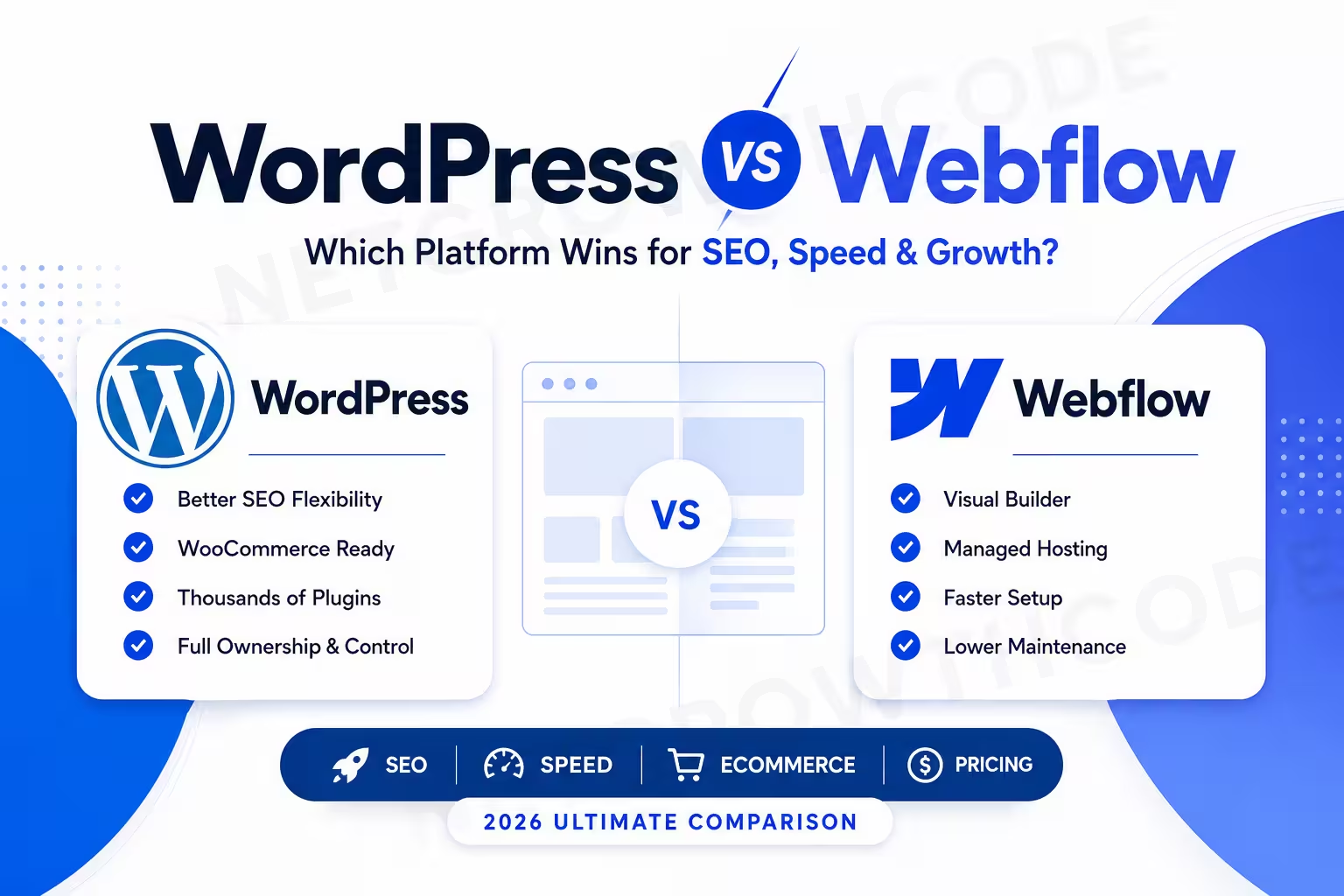
WordPress vs Webflow: The Ultimate 2026 Comparison for SEO, Performance, Pricing & Growth
Summarize this blog post with: ChatGPT | Perplexity | Claude | Grok
You’ve probably heard that WordPress powers a huge portion of the internet while Webflow is rapidly gaining popularity among startups and designers. What most comparison articles fail to explain is how these platforms differ in real-world SEO, scalability, maintenance, and long-term ownership costs. In this guide, you’ll learn exactly where WordPress and Webflow excel, where they fall short, and which platform makes the most sense for your business goals.
Key Takeaways
- WordPress is an open-source content management system that allows users to build and manage websites through themes, plugins, and custom code.
- Webflow is a visual website-building platform that combines design tools, content management, hosting, and deployment in a single hosted environment.
- Website platform selection affects SEO performance, scalability, maintenance requirements, and long-term operating costs.
- WordPress provides greater extensibility through plugins and custom development, while Webflow prioritizes visual design control and simplified management.
- Technical SEO success depends more on implementation quality than the choice between WordPress and Webflow.
- WooCommerce extends WordPress into a highly scalable ecommerce platform, while Webflow Ecommerce focuses on design-driven online stores with simpler operational requirements.
- Businesses should choose WordPress when flexibility and customization are priorities, and choose Webflow when streamlined website management is more important.
What Is WordPress and How Does It Work?
WordPress is an open-source content management system that allows users to build and manage websites through themes, plugins, and custom code.
First, WordPress powers more than 40% of all websites on the internet and remains the world’s most widely used CMS. According to W3Techs data, WordPress powers roughly 42% of all websites and nearly 60% of websites using a known CMS.
Why Businesses Choose WordPress
For example, WordPress is used for:
- Business websites
- Blogs and publishers
- Ecommerce stores
- Membership websites
- LMS platforms
- Marketplaces
- Enterprise websites
Moreover, WordPress gives you complete ownership of your website, hosting, database, and files.
WordPress Strengths
- Massive plugin ecosystem
- Thousands of themes
- Complete SEO control
- Flexible hosting options
- WooCommerce support
- Custom development possibilities
WordPress is the most customizable mainstream website platform available today.
What Is Webflow and How Does It Work?
Webflow is a visual website-building platform that combines design tools, content management, hosting, and deployment in a single hosted environment.
Unlike WordPress, Webflow operates as a SaaS platform. You design visually while Webflow generates clean HTML, CSS, and JavaScript behind the scenes.
Why Businesses Choose Webflow
For example, Webflow is commonly used for:
- Startup websites
- SaaS landing pages
- Marketing websites
- Agency websites
- Portfolios
- Brand-focused websites
According to recent industry data, Webflow powers approximately 0.8% to 1.2% of websites globally and continues growing rapidly among design-focused teams.
Webflow Strengths
- Visual development workflow
- Managed hosting
- Built-in CMS
- Clean code output
- Fast deployment
- Lower maintenance burden
Webflow simplifies website management by bundling hosting, security, and deployment into one platform.
Why Does Your Website Platform Choice Matter?
Website platform selection affects SEO performance, scalability, maintenance requirements, and long-term operating costs.
First, your platform determines how easily you can publish content, optimize pages, improve speed, and scale functionality.
According to Webflow’s website industry research, 91% of organizations report that their website drives more revenue than any other marketing channel.
Platform Choice Impacts
- Search visibility
- Lead generation
- Website speed
- User experience
- Maintenance costs
- Future scalability
- Team productivity
A platform that matches operational needs usually outperforms a platform chosen solely for features.
What Are the Main Differences Between WordPress and Webflow?
WordPress and Webflow differ primarily in ownership, flexibility, hosting, maintenance, and development workflows.
|
Feature
|
WordPress
|
Webflow
|
|---|---|---|
|
Ownership
|
Full ownership
|
SaaS platform
|
|
Hosting
|
Choose any host
|
Included
|
|
Design Freedom
|
Very high
|
Very high
|
|
Plugins
|
60,000+ available
|
Limited ecosystem
|
|
SEO
|
Excellent
|
Excellent
|
|
Ecommerce
|
WooCommerce
|
Webflow Ecommerce
|
|
Maintenance
|
User managed
|
Platform managed
|
|
Scalability
|
Extremely high
|
High
|
|
Learning Curve
|
Moderate
|
Moderate to High
|
|
Custom Development
|
Unlimited
|
More restricted
|
WordPress offers more flexibility, while Webflow offers more convenience.
Is WordPress Easier to Use Than Webflow?
WordPress is easier for content publishing, while Webflow is easier for visual design once the interface is learned.
WordPress Learning Curve
First, WordPress allows beginners to start quickly using themes and page builders.
For example, tools like Elementor enable drag-and-drop editing without coding.
Webflow Learning Curve
However, Webflow requires understanding:
- Box model
- CSS concepts
- Layout systems
- Responsive design
Many beginners initially find Webflow harder because it behaves more like professional web development software.
Winner
- Content creators → WordPress
- Designers → Webflow
Which Platform Offers Better Design Flexibility: WordPress or Webflow?
Both platforms offer excellent design flexibility, but they achieve it differently.
WordPress Design Flexibility
WordPress design flexibility comes from:
- Themes
- Builders
- Custom coding
- Plugin integrations
For advanced customization, see:
[Internal Link: “WordPress vs custom development” → Suggested Target Page]
Webflow Design Flexibility
Webflow provides direct visual control over:
- Layout
- Animations
- Responsive behavior
- Interactions
Many designers prefer Webflow because they can create highly customized experiences without relying heavily on plugins.
Webflow gives designers more direct control, while WordPress provides more development flexibility.
Which Platform Is Better for SEO: WordPress or Webflow?
WordPress and Webflow are both capable of excellent SEO performance when implemented correctly.
WordPress SEO Advantages
WordPress supports:
- Rank Math
- Yoast SEO
- Schema plugins
- Redirect management
- Advanced technical SEO
Webflow SEO Advantages
Webflow includes:
- Clean code
- Automatic sitemap generation
- Easy metadata editing
- Fast hosting environment
The Reality of SEO
Technical SEO success depends more on implementation quality than the choice between WordPress and Webflow.
For example, a poorly optimized WordPress site will lose rankings to a properly optimized Webflow website.
For additional optimization guidance:
How Do WordPress and Webflow Compare for Website Speed and Performance?
Website speed depends more on hosting, optimization, and implementation than the platform itself.
WordPress Performance
WordPress performance varies significantly because hosting quality varies.
For example:
- Cheap hosting = slower performance
- Optimized VPS = excellent performance
Webflow Performance
Webflow includes managed hosting optimized by default.
This reduces the risk of poor hosting decisions.
Performance Verdict
Webflow provides more consistent performance out of the box, while WordPress offers higher optimization potential.
Is Webflow More Secure Than WordPress?
Webflow is generally easier to secure because the platform manages infrastructure, updates, and hosting.
WordPress Security
WordPress security depends on:
- Hosting provider
- Plugin quality
- Update frequency
- Security practices
Recent reports show compromised plugins have affected thousands of WordPress installations when site owners failed to maintain plugin hygiene.
Webflow Security
Webflow handles:
- SSL certificates
- Hosting infrastructure
- Platform updates
- Core security
Security Winner
For most non-technical users, Webflow offers a simpler security experience.
How Much Does WordPress Cost Compared to Webflow?
WordPress can be cheaper or more expensive than Webflow depending on hosting, plugins, and development requirements.
Typical WordPress Costs
- Domain: $10-$20/year
- Hosting: $50-$500+/year
- Premium plugins: Optional
- Development: Variable
Typical Webflow Costs
- Domain
- Site plan
- Workspace plan (if needed)
Hidden Costs
WordPress hidden costs:
- Maintenance
- Plugin renewals
- Security monitoring
Webflow hidden costs:
- Scaling plans
- CMS limits
- Ecommerce upgrades
For a deeper breakdown:
WordPress Website Cost in 2026: A Definitive Pricing Breakdown
Which Platform Is Better for Ecommerce: WooCommerce or Webflow Ecommerce?
WooCommerce is more scalable and flexible, while Webflow Ecommerce prioritizes simplicity and design control.
WooCommerce Advantages
WooCommerce supports:
- Large product catalogs
- Multiple payment gateways
- Memberships
- Subscriptions
- Marketplace functionality
WooCommerce powers a significant portion of ecommerce websites globally.
Webflow Ecommerce Advantages
Webflow Ecommerce offers:
- Beautiful storefronts
- Simpler setup
- Built-in hosting
Ecommerce Winner
- Small stores → Webflow
- Growing stores → WooCommerce
When Should You Choose WordPress Over Webflow?
WordPress is the better choice when flexibility, scalability, and content management are top priorities.
Choose WordPress if you need:
- Large content websites
- Ecommerce stores
- Membership sites
- LMS platforms
- Complex integrations
- Full ownership
As a WordPress developer since 2023, I’ve used WordPress extensively for local businesses, ecommerce brands, service companies, and white-label agency projects. In most cases, businesses benefit from the platform’s flexibility and long-term scalability.
When Should You Choose Webflow Over WordPress?
Webflow is the better choice when visual design workflows and simplified maintenance are top priorities.
Choose Webflow if you need:
- Startup websites
- SaaS websites
- Marketing sites
- Portfolio websites
- Rapid launches
- Lower maintenance
For design-focused teams, Webflow often reduces operational overhead significantly.
Can You Migrate from WordPress to Webflow or Vice Versa?
Migration between WordPress and Webflow is possible but requires careful planning.
Migration considerations include:
- URL structure
- SEO redirects
- Content transfer
- Media files
- CMS fields
- Internal linking
For detailed planning:
Which Platform Is Best for Agencies, Startups, and Small Businesses?
The best platform depends on your business model, growth plans, and technical resources.
|
Business Type
|
Recommended Platform
|
|---|---|
|
Blogger
|
WordPress
|
|
Publisher
|
WordPress
|
|
Ecommerce Store
|
WordPress
|
|
LMS Business
|
WordPress
|
|
Startup
|
Webflow
|
|
SaaS Company
|
Webflow
|
|
Marketing Team
|
Webflow
|
|
Local Business
|
Either
|
Business goals should drive platform selection, not trends.
Recommended Tools for WordPress and Webflow
The right tools improve SEO, analytics, performance, and website management regardless of platform choice.
SEO Tools
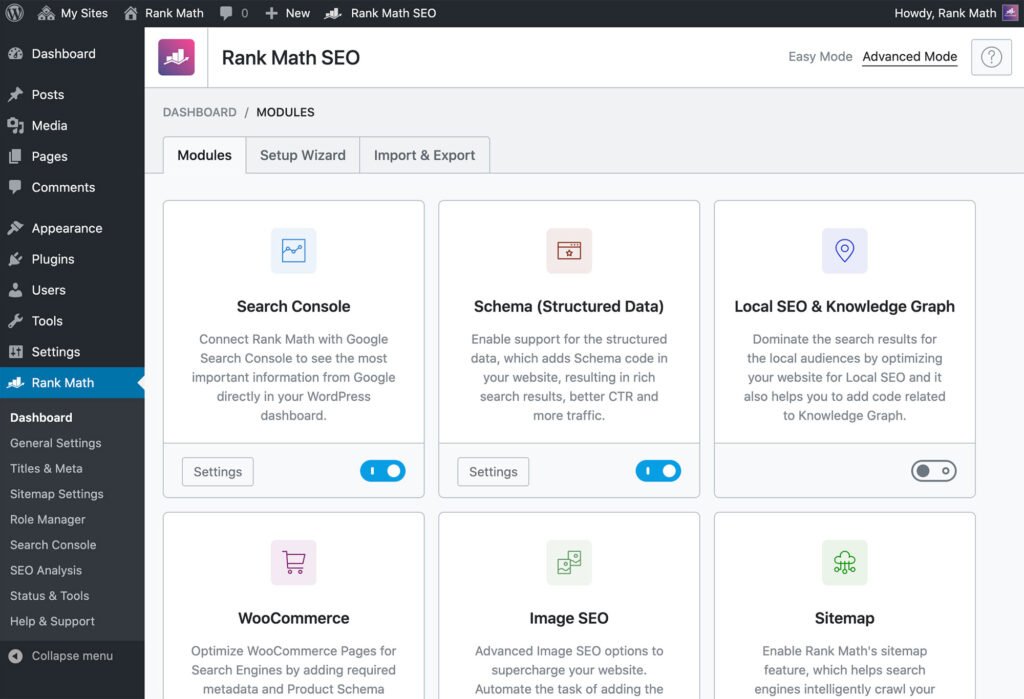
- Rank Math
- Ahrefs
- Google Search Console
Analytics Tools
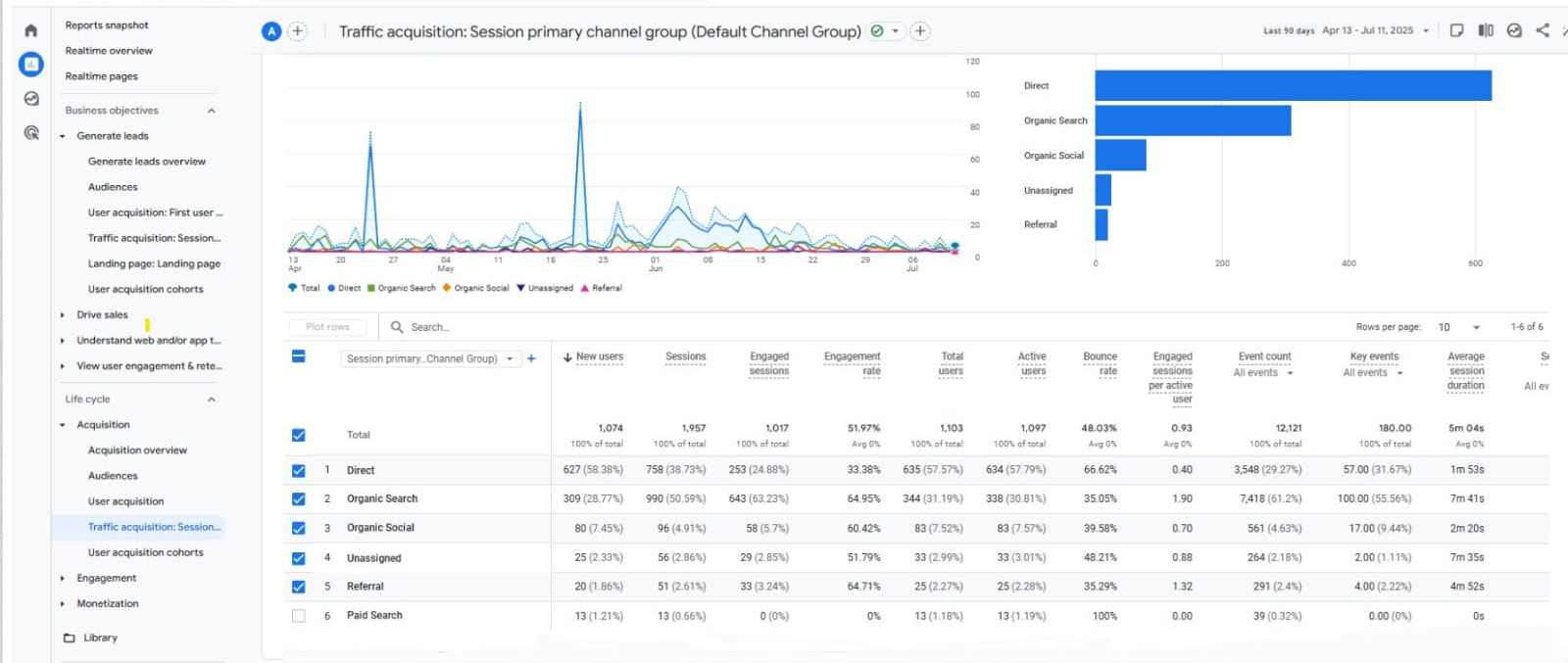
- Google Analytics 4
- Microsoft Clarity
Performance Tools
- GTmetrix
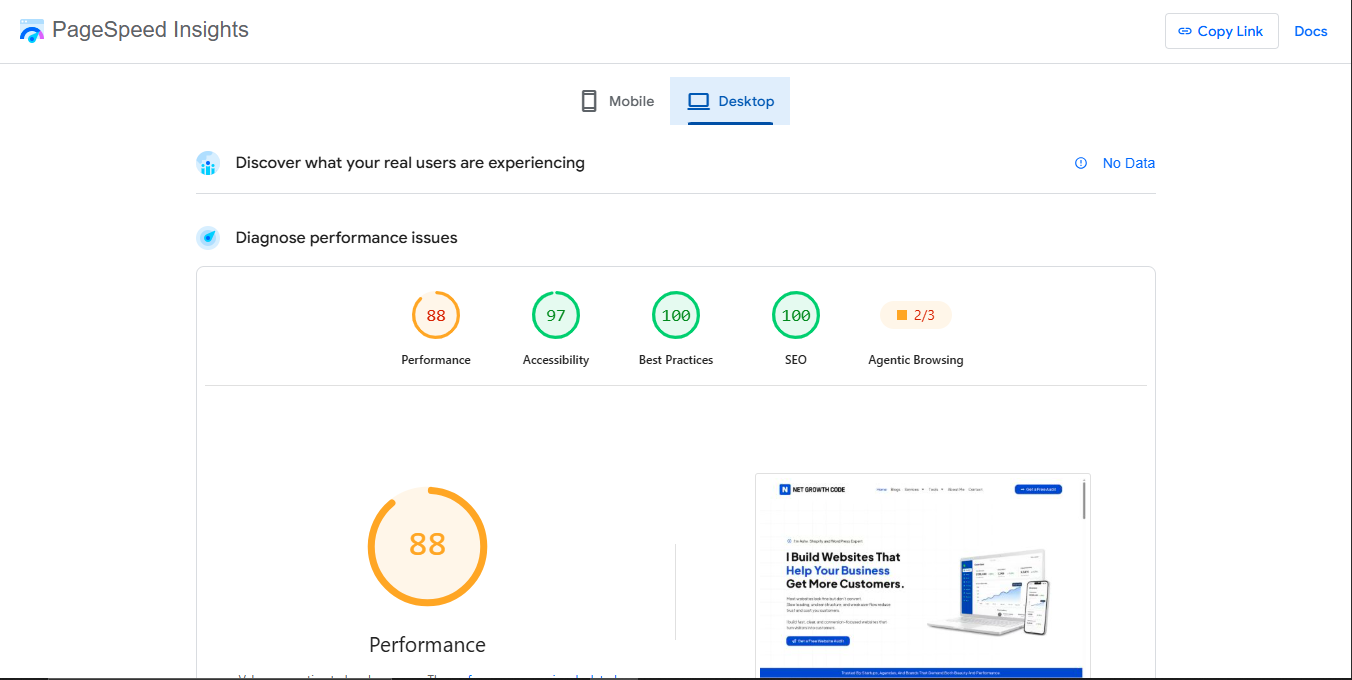
- PageSpeed Insights
Design Tools
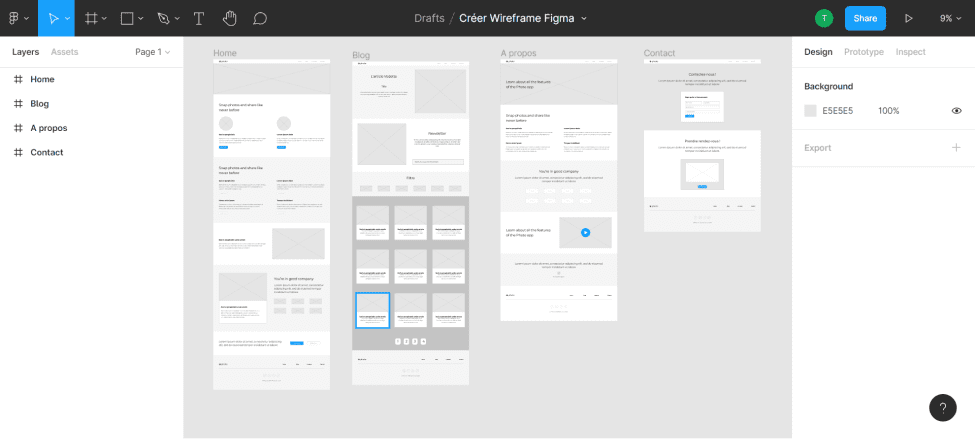
- Figma
- Relume
- Framer
What's Next? How to Choose Between WordPress and Webflow
Choosing the right platform starts with understanding your long-term business requirements.
Ask yourself:
- Do I need complete ownership?
- Will my website become complex?
- Do I need ecommerce scalability?
- Do I want lower maintenance?
- Will multiple team members manage content?
Final Conclusion
WordPress remains the strongest choice for businesses that need flexibility, advanced functionality, ecommerce scalability, and long-term ownership. Webflow shines for startups, marketers, and design-focused teams that value streamlined management and visual development.
If you’re building a content-heavy website, online store, membership platform, or long-term digital asset, WordPress is often the safer investment. If you’re launching a modern marketing site and want minimal maintenance, Webflow can be a fantastic choice.
Before making a decision, review your growth plans, technical resources, and operational requirements. The best platform is not the one with the most features-it’s the one that aligns with your business goals.
About the Author: Ashv is a WordPress & Shopify Developer and the founder of NetGrowthCode. Since 2023, he has helped local businesses, ecommerce brands, startups, and agency partners build high-performing websites focused on SEO, speed, user experience, and conversions.
With hands-on experience in WordPress, WooCommerce, Shopify, technical SEO, website optimization, and digital growth strategies, Ashv shares practical insights based on real client projects and industry best practices.
Reviewed & Updated
Last Updated: June 2026
This article has been researched, written, edited, and fact-checked by Ashv to ensure accuracy, relevance, and alignment with current industry standards.
Editorial Policy: At NetGrowthCode, our goal is to publish actionable, experience-driven content that helps businesses make better decisions about websites, SEO, ecommerce, and digital marketing. Every article is reviewed for accuracy and updated when significant industry changes occur.